
Turn Your Television into an Entertainment Centre
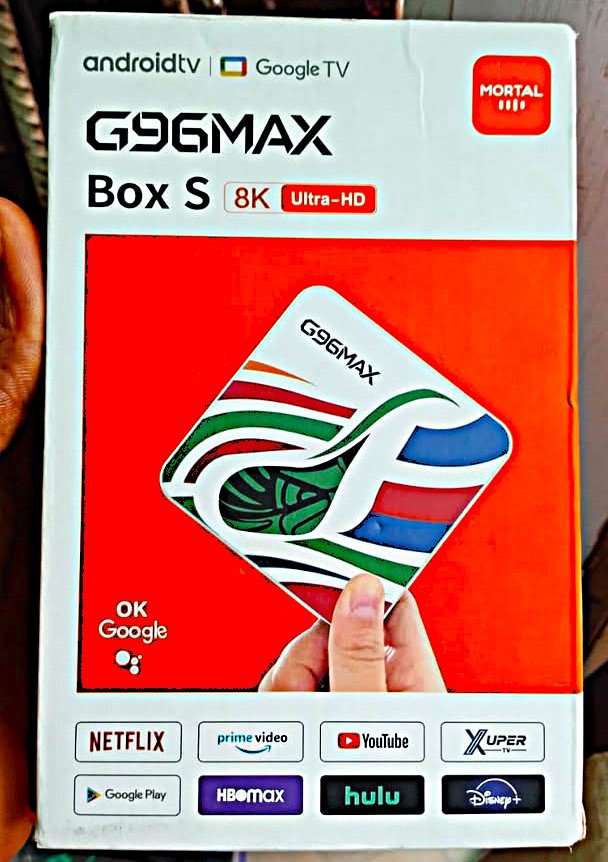
The MORTAL G96MAX Box S brings internet-based entertainment to your television. Simply connect the device to a compatible TV and access supported applications through its on-screen interface.
Enjoy movies, TV programmes, music, YouTube videos and other digital content on a larger screen. In addition, you can explore compatible IPTV services for more entertainment options at home.
Whether you enjoy watching movies alone or sharing entertainment with family, this smart TV box offers a convenient way to enjoy online content.
What Can You Use the G96MAX Box S For?
1. Online Movie and TV Streaming
Enjoy movies, television series, documentaries and other videos through supported streaming applications.
The packaging displays services such as Netflix, Prime Video, YouTube, HBO Max, Hulu and Disney+. However, app availability depends on the installed software, regional support and each service’s requirements.
2. YouTube and Online Video Entertainment
Watch your favourite YouTube videos directly on your television.
For example, you can enjoy music videos, tutorials, educational programmes, interviews and documentaries. This also makes it easier to share videos with family and friends on a larger screen.
3. IPTV and Internet Television
Explore compatible IPTV applications to access internet-based television services.
This option suits customers who prefer watching television content through online platforms. However, some IPTV services require a separate subscription or payment.
4. Digital Music and Media Playback
Enjoy music, playlists, live performances and other online entertainment through supported applications.
You can also explore compatible media-player applications to access supported digital media files. Therefore, the device offers more than movie streaming.
5. Google Assistant and Voice-Based Interaction
The packaging displays Google Assistant branding and the phrase “OK Google”.
Where the installed software and compatible remote support voice features, you can use voice commands to search for content and navigate the device. However, available functions depend on the device configuration, software and account setup.
6. Access to a Wider Range of Applications
The Android TV / Google TV branding on the packaging indicates an Android-based smart entertainment experience.
Explore supported applications for video streaming, music, media playback and other entertainment services. However, actual app compatibility depends on the device’s installed software. Check the available applications before relying on a particular service.
7. Advertised 8K Ultra-HD Entertainment
The MORTAL G96MAX Box S packaging advertises 8K Ultra-HD capability.
This feature targets customers interested in high-resolution video entertainment. However, actual playback quality depends on the device hardware, supported video output, television, content source and internet connection.
To enjoy 8K resolution, you also need an 8K-compatible television and suitable 8K content.
8GB RAM and 128GB Internal Storage
The G96MAX Box S advertises 8GB RAM and 128GB internal storage.
The 8GB RAM provides memory for the supported operating system and applications. Meanwhile, the 128GB storage provides space for compatible applications and supported files.
However, the available storage will be lower than 128GB because the operating system and preinstalled applications use part of the space.
How to Set It Up
Follow these simple steps to connect your MORTAL G96MAX Box S:
- Connect the TV box to an available HDMI input on your television.
- Connect the supplied power adapter using the correct power connection.
- Switch your television to the matching HDMI input.
- Follow the on-screen setup instructions.
- Connect the device to your internet network.
- Sign in to the relevant accounts where required.
- Open your preferred supported applications and start enjoying your entertainment.
For smoother streaming, use a stable internet connection. In particular, high-resolution videos may require faster internet speeds.
What You Need to Get Started
Before setting up your G96MAX Box S, make sure you have:
- A television with an available HDMI input.
- A suitable power source.
- A working internet connection.
- Relevant application or Google accounts where required.
- Active subscriptions for paid streaming services.
- An 8K-compatible television and suitable 8K content if you want to use the advertised 8K capability.
Once you have these essentials, you can connect the device and begin enjoying online entertainment.
Important Product Information
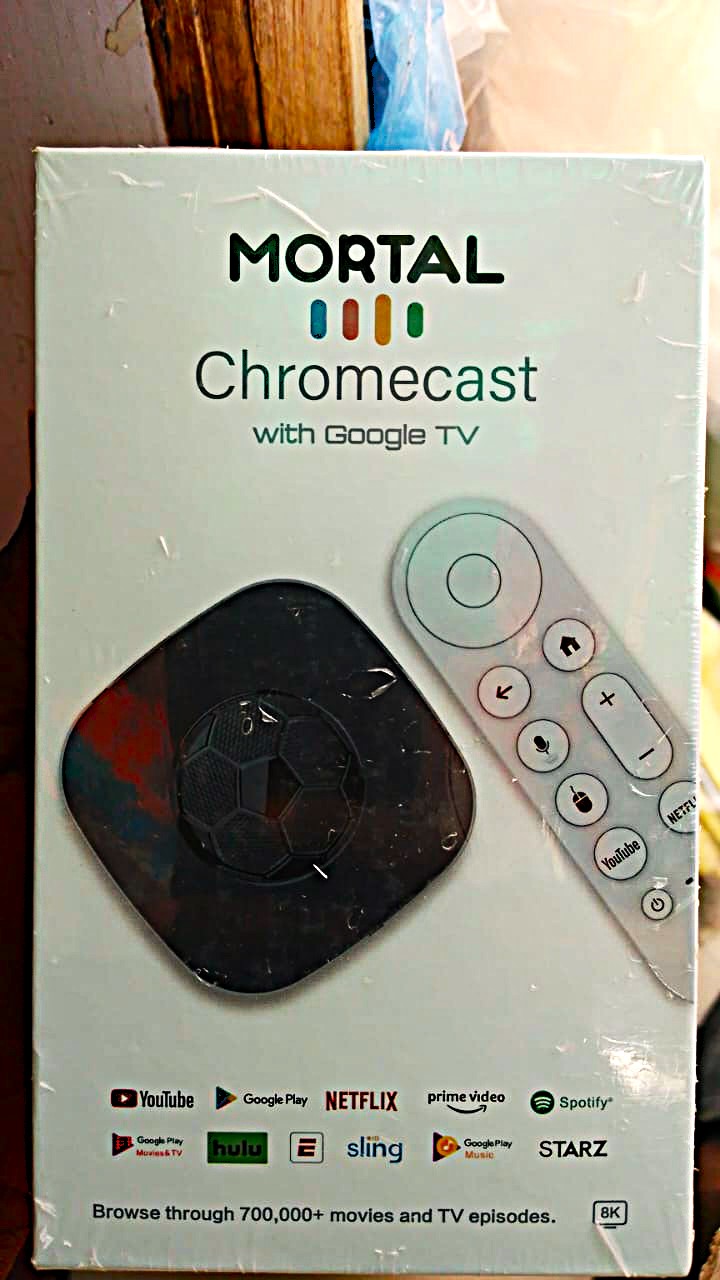
The MORTAL G96MAX Box S is a third-party smart TV box. It should not be confused with a Google-manufactured Chromecast or Google TV Streamer.
The 8K capability, RAM and storage configuration stated in this listing are based on the product packaging and supplied stock configuration. Actual video output, application compatibility, voice functions and available storage depend on the specific hardware and software installed.
Streaming platforms may require separate subscriptions. Listing a streaming service on the packaging does not mean its subscription is included with the device.
Why Buy from idfinestores?
At idfinestores, we make it easier to shop for practical gadgets and entertainment accessories with convenient online ordering, customer support and delivery across Nigeria.
- Quality Assured products.
- Customer support when you need assistance.
- Same-day delivery in Lagos and nationwide delivery.
- Orders of ₦100,000 and above qualify for free delivery.
idfinestores 7-Day Testing & Reporting Guarantee
Your MORTAL G96MAX Box S is covered by a 7-Day idfinestores Testing & Reporting Guarantee. Test the product after delivery and report any functional fault within 7 days so that it can be assessed under the applicable replacement terms.

Reviews
There are no reviews yet.