
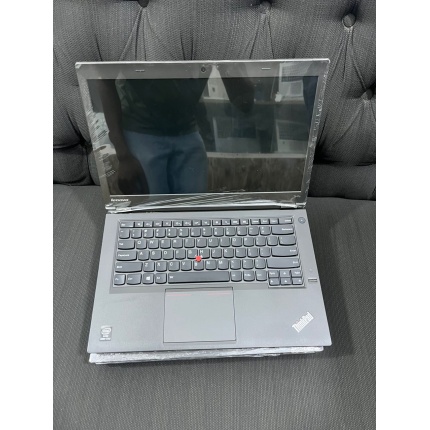
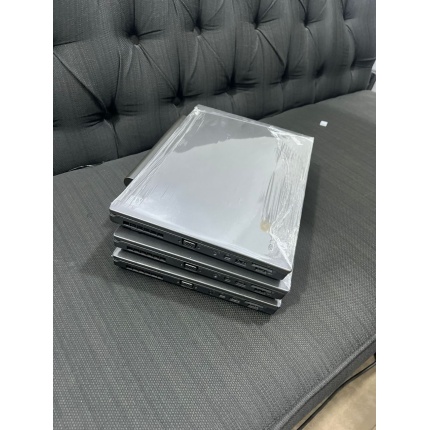
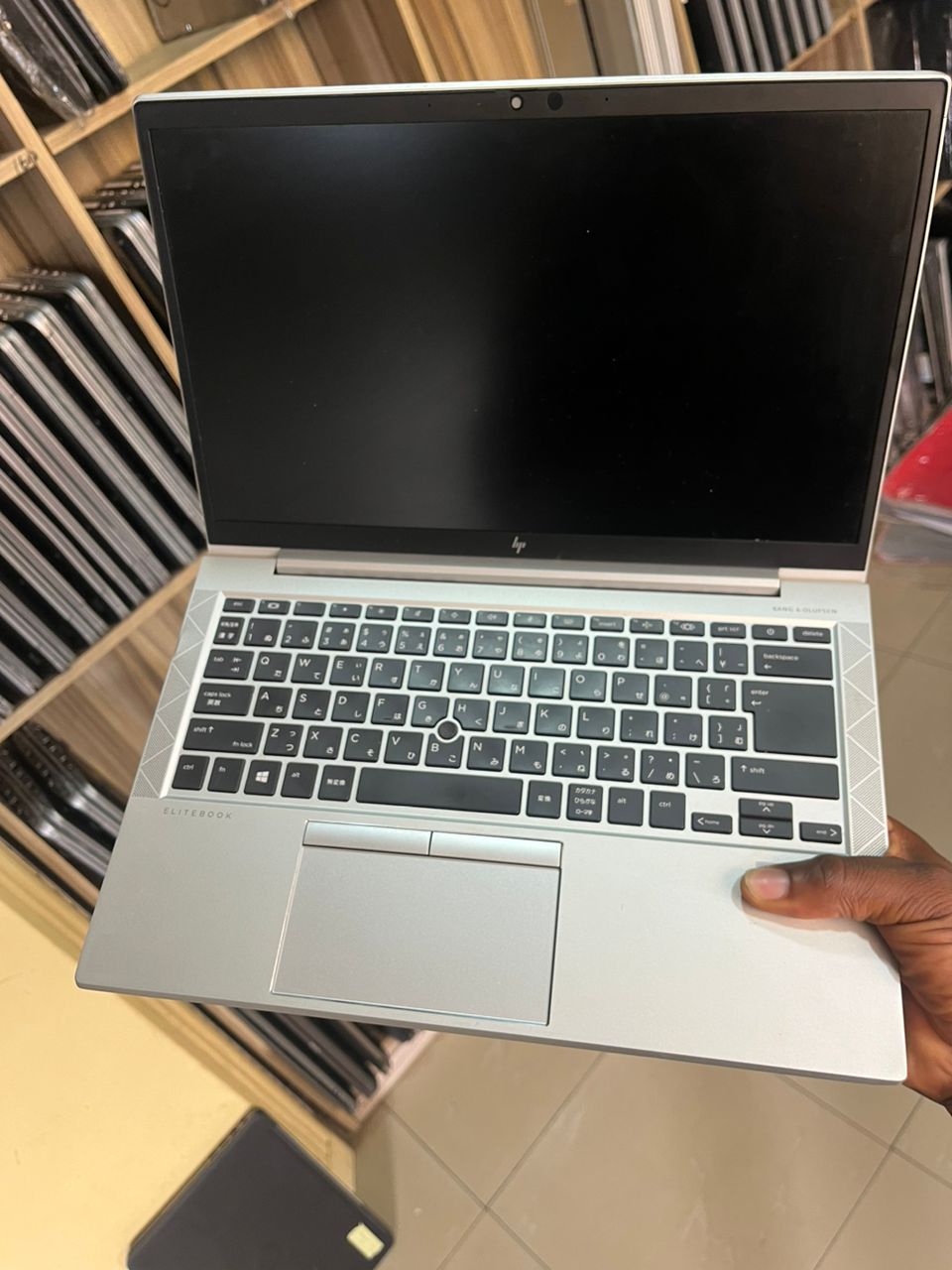
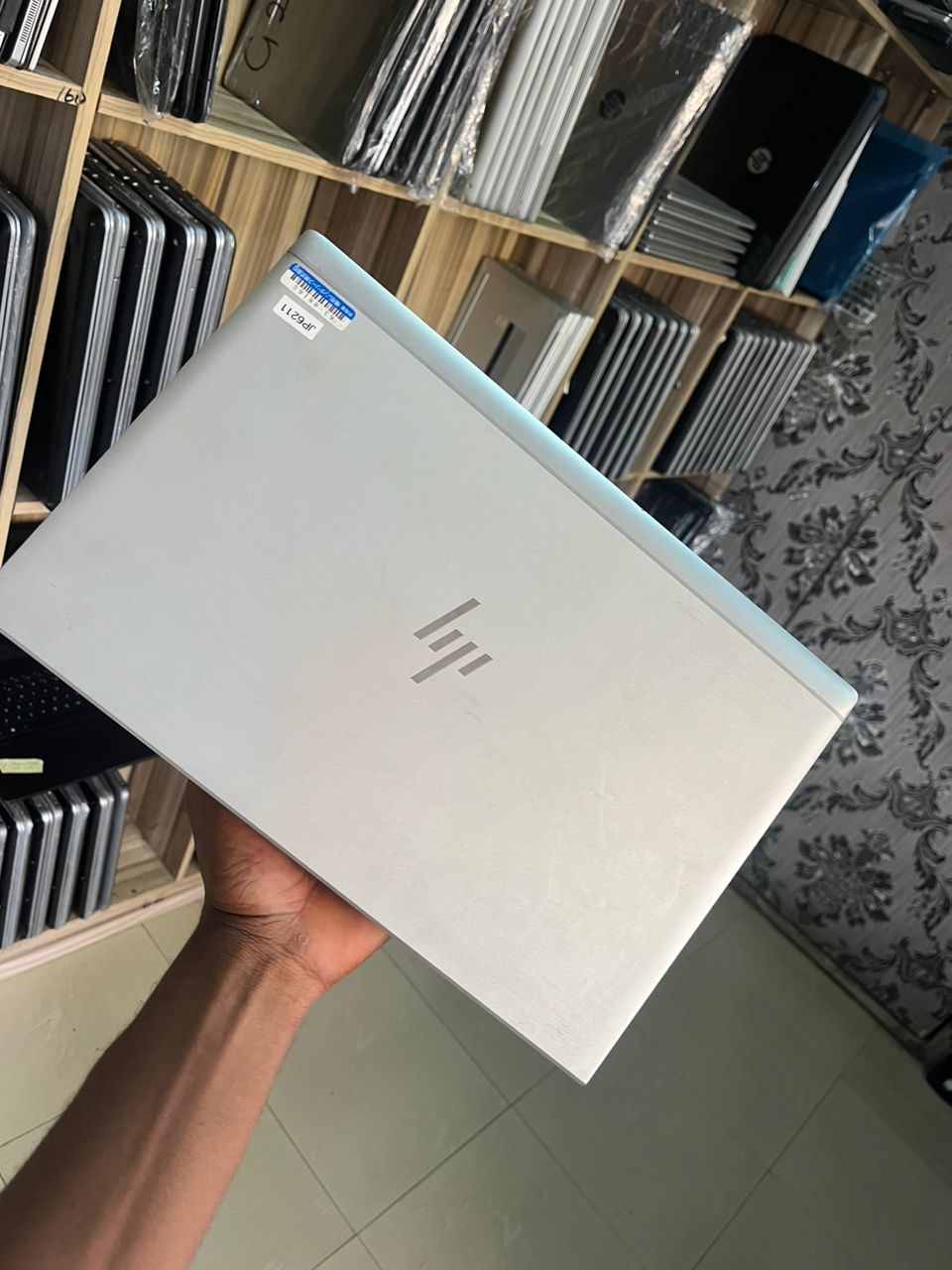
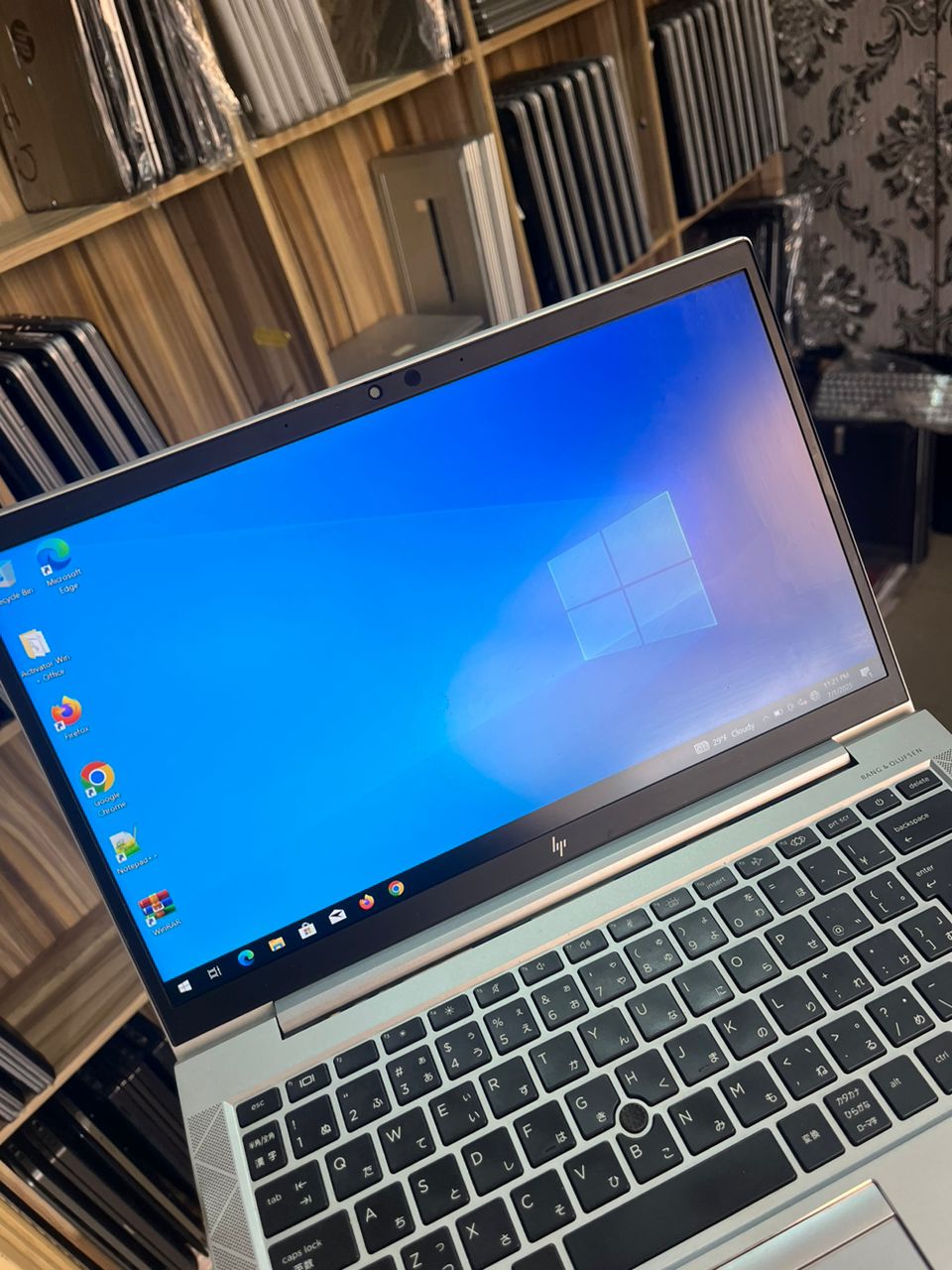
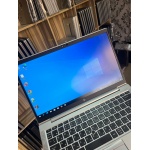
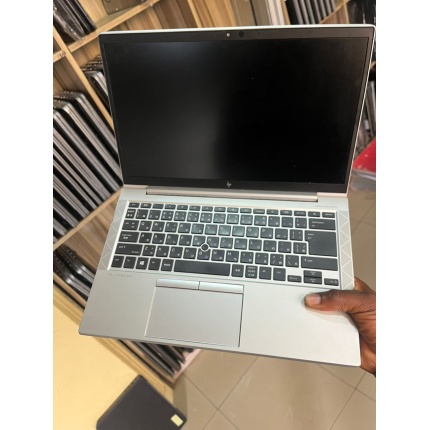
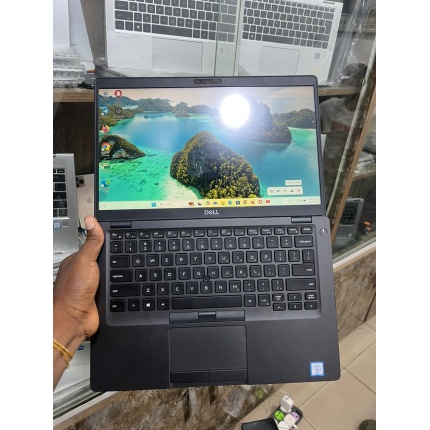
HP ELITEBOOK 840 G7
14-INCH
Core i5
10TH GEN
16GB RAM
512GB SSD
FACE ID
FINGERPRINT NEATNESS 10/10
KEY FEATURES
- Package: Yes
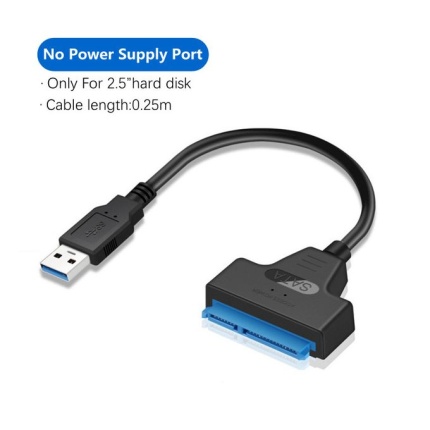
- Model Number: usb 3.0 to sata
- Type: Cable Adapter
- Brand Name: E-yield
- Origin: Mainland China
- Certification: CE,FCC

Original price was: ₦650,000.00.₦595,999.00Current price is: ₦595,999.00.
FOR MORE OPTIONS:
CALL OR WHATSAPP CUSTOMER SUPPORT: 08054521731
HP ELITEBOOK 840 G7
14-INCH
CORE i5
10TH GEN
16GB RAM
512GB SSD
FACE ID
FINGERPRINT NEATNESS 10/10
📌 Customer Proof & Testimonials: Click here to see CAC certificate, reviews, and unboxing videos

HP ELITEBOOK 840 G7
14-INCH
Core i5
10TH GEN
16GB RAM
512GB SSD
FACE ID
FINGERPRINT NEATNESS 10/10
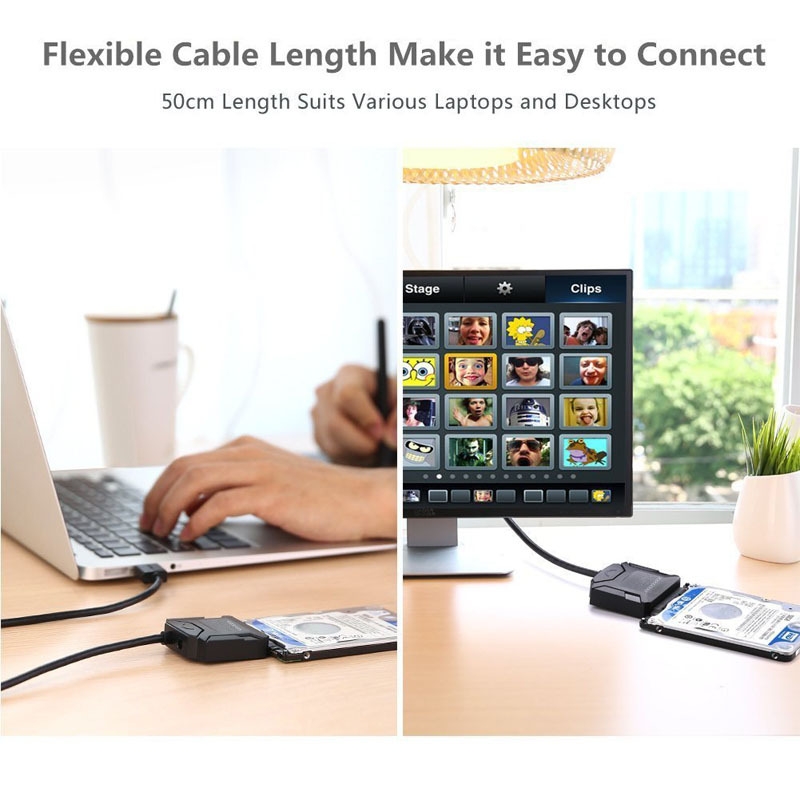
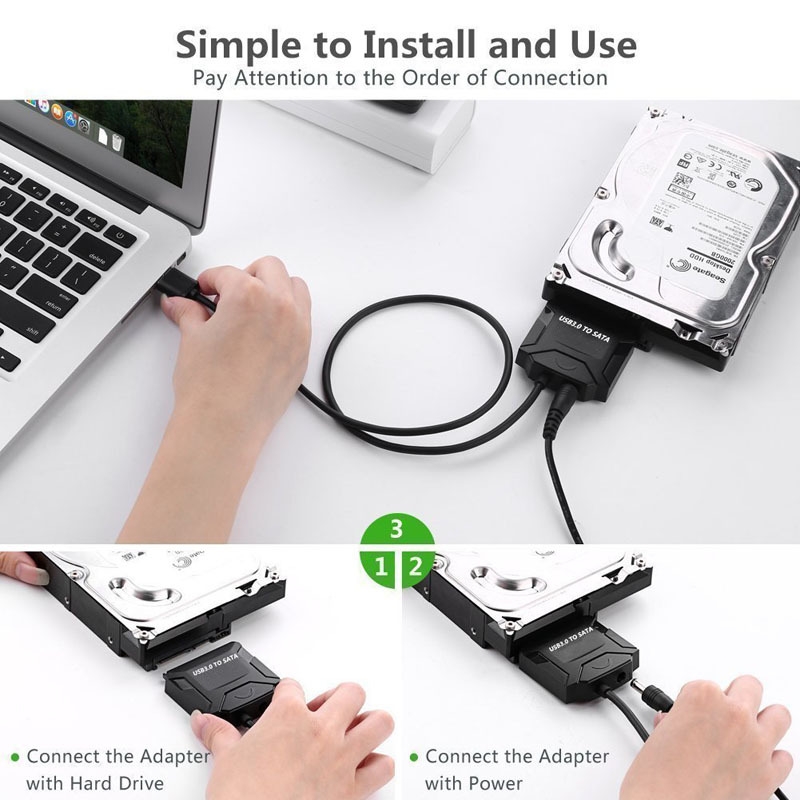
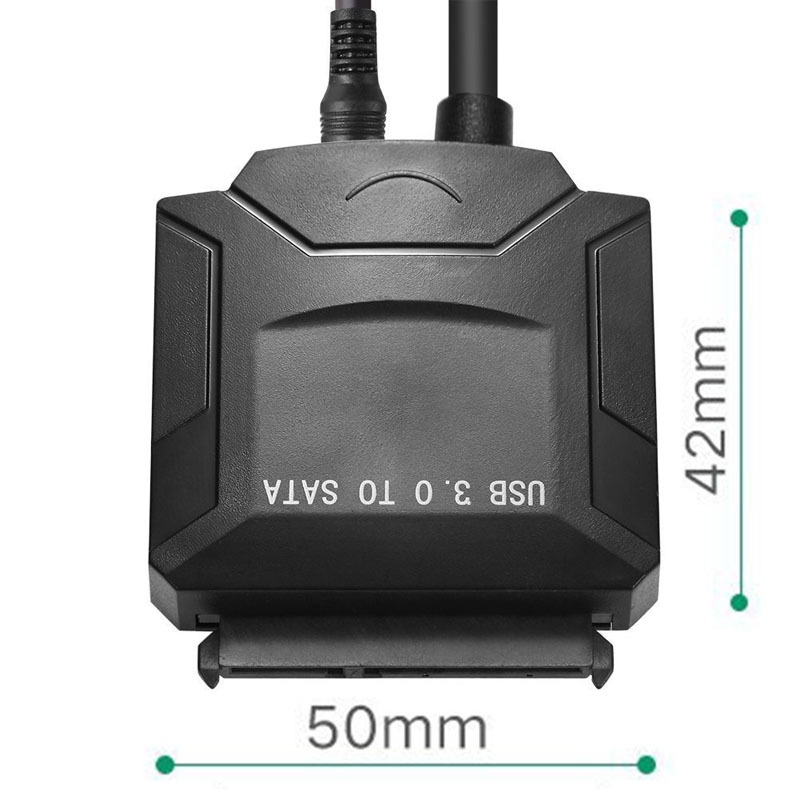
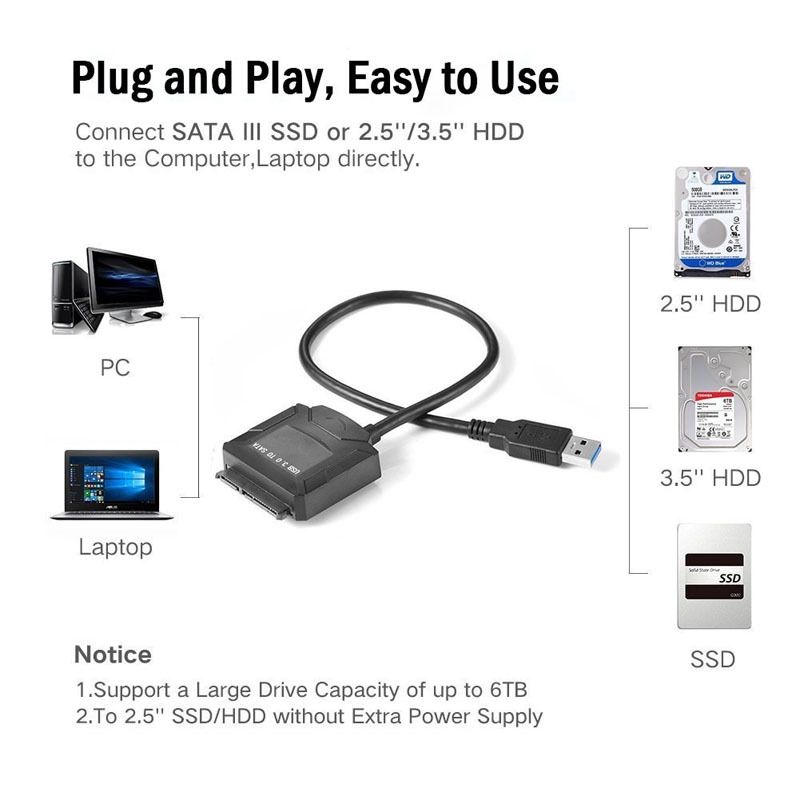
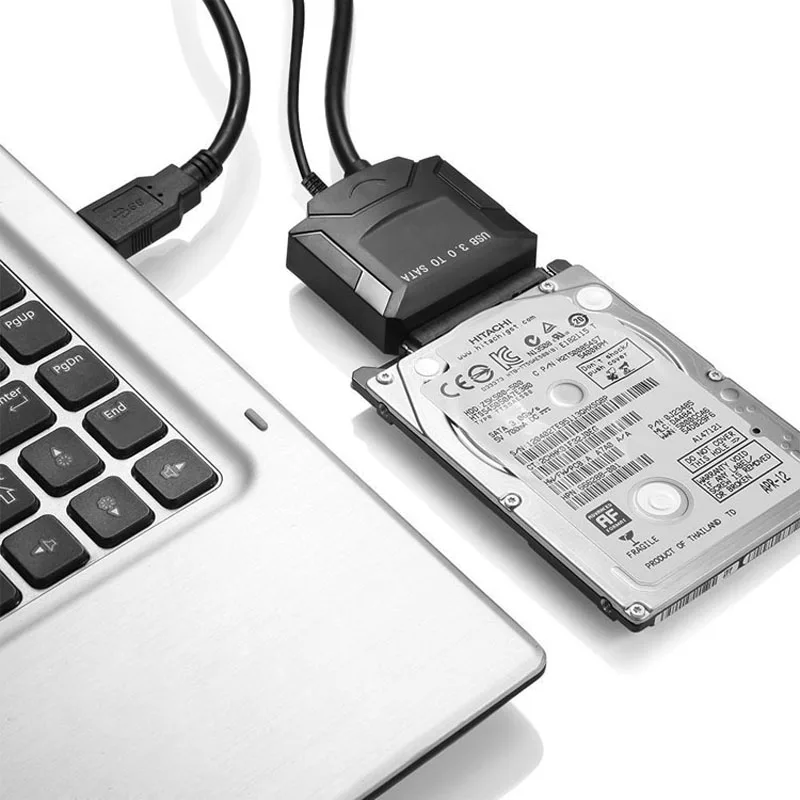
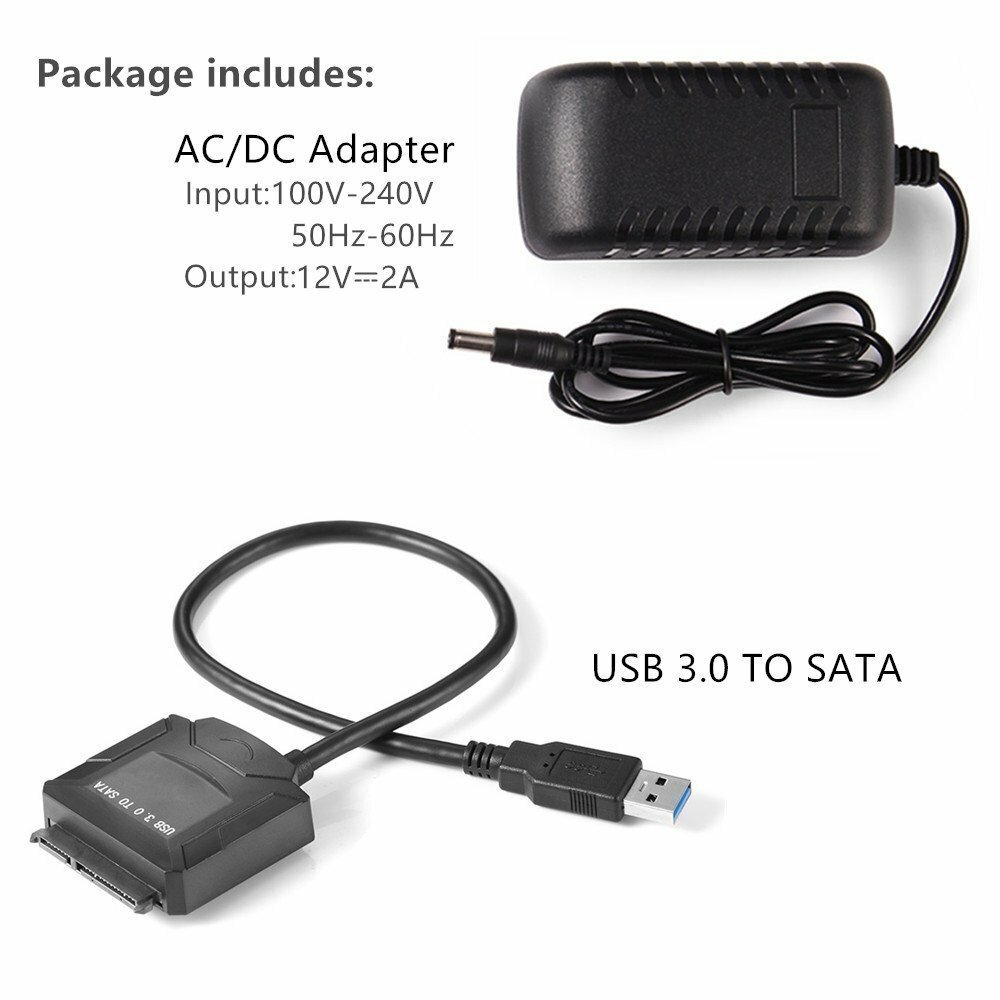
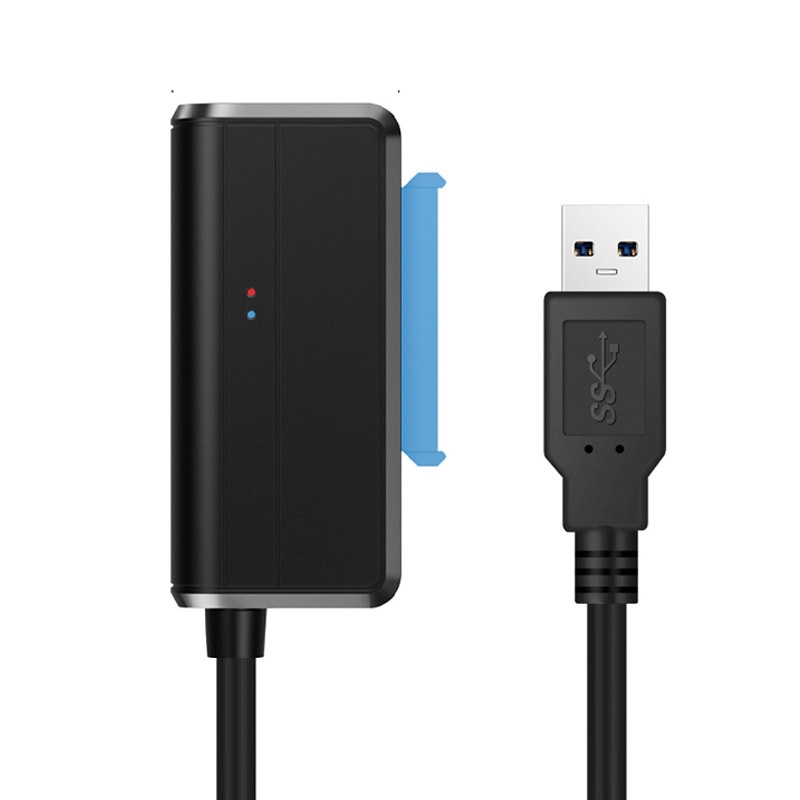
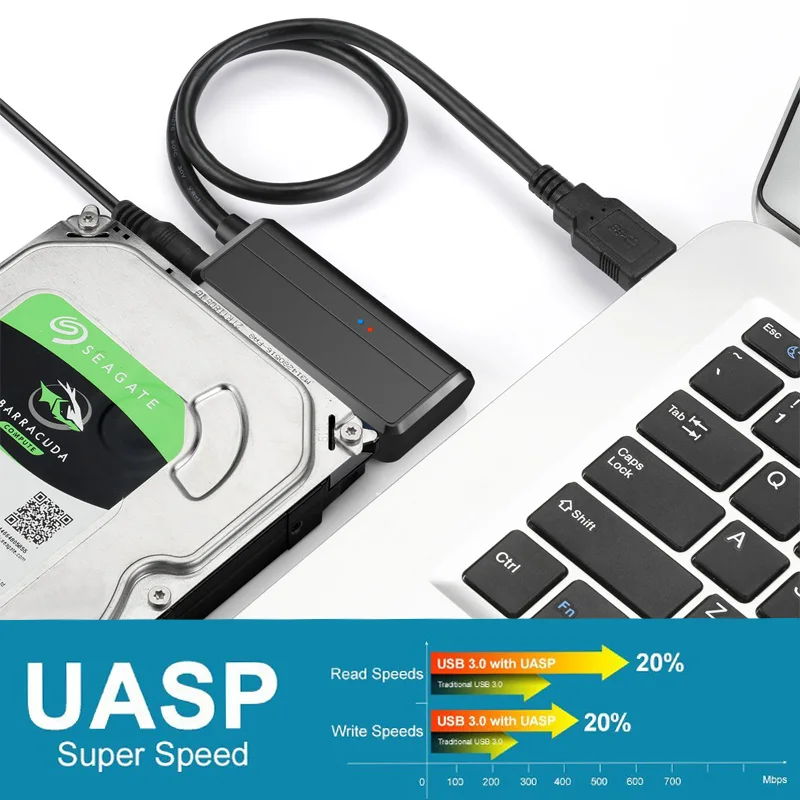
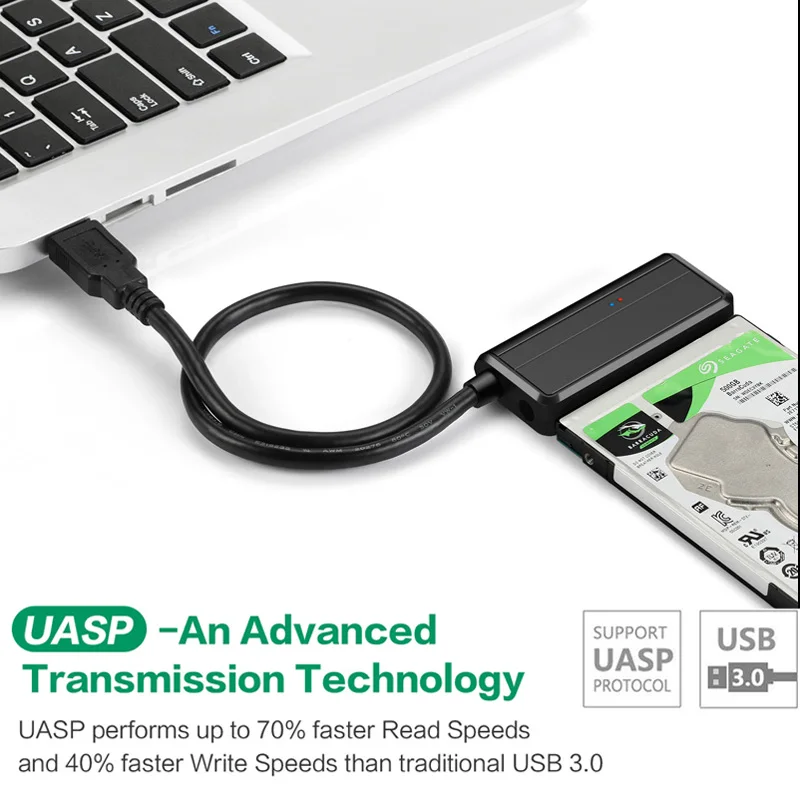
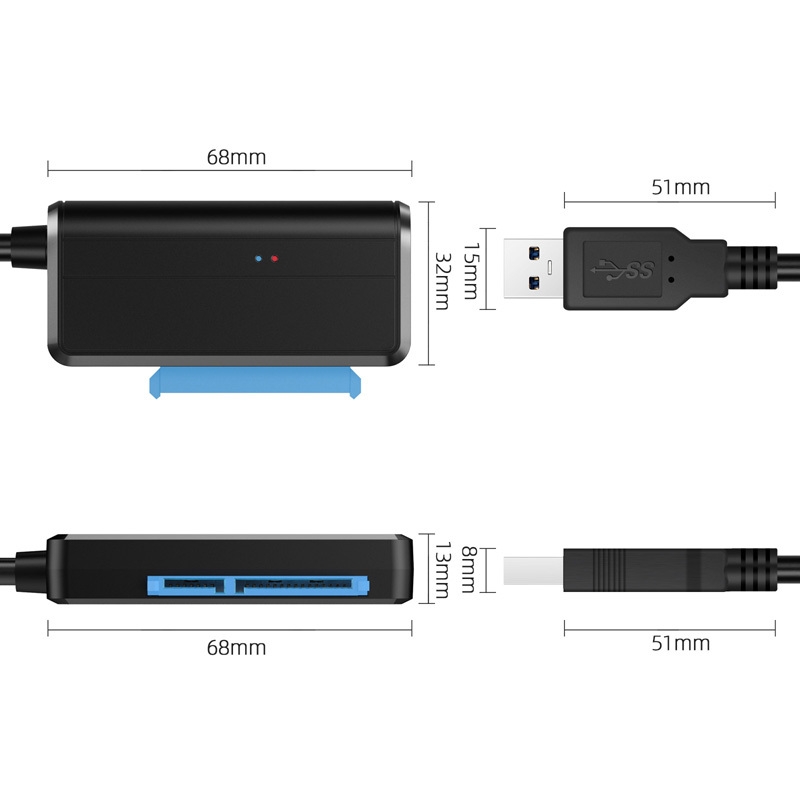
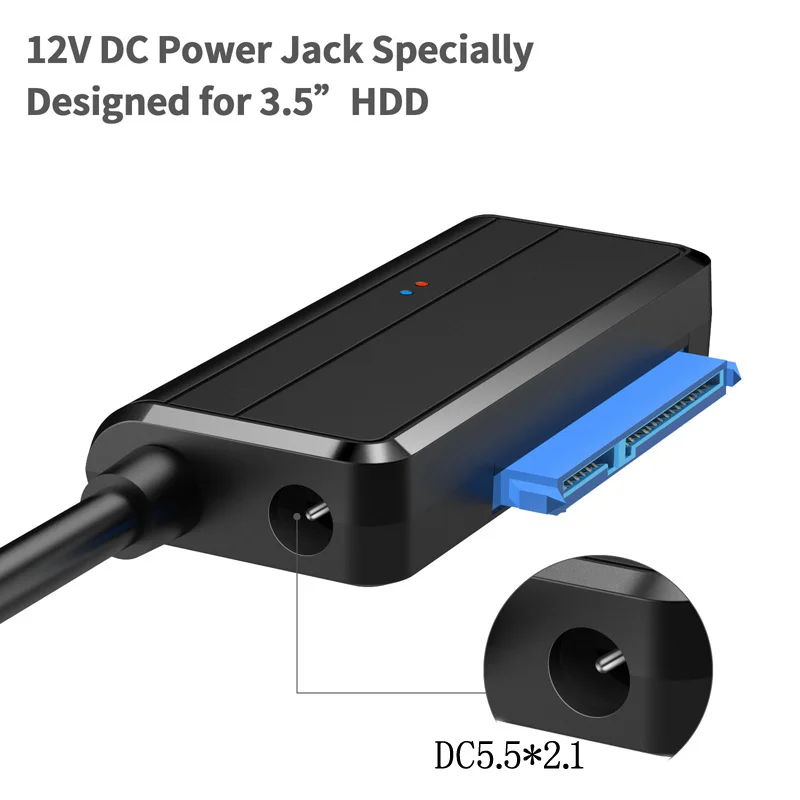
 If use for 3.5inch HDD, choose suitable adapterIf use for 2.5inch HDD/SSD, no need power supplyMain features:The USB 3.0 to SATA Hard Drive Converter allows you to connect any standard 2.5 or 3.5 SATA hard driver to your computer via USB 3.0 port at speed up to 5Gbps.Supports OS: Windows 98/2000/XP/Vista/Windows 7/8,Mac OS xPlug and Play,Hot SwappingIt is ideal for you to backup files or upgrade your notebook hard driver.It with 12V power supply interface, can connecting 3.5 high power drive .Noted: This item has 12V 2A AC/DC power adapterSpecifications:Support speed up to 5GbpsBackward compatible with USB 2.0/1.1Support all 2.5/3.5 SATA HDD/SDD, BLU-RAY DVD, CD-ROM, DVD-ROM, CD-RE, DVD-RW, DVD+RW Combo devicesColor: Black
 1. We accept Escrow. You can Pay via , Visa, MasterCard, , Qiwi and bank transfer on .2. Please make the payment as soon as posible so that you can get the item earlier.3. Please contact us if you have any other questions about payment!4. Note: Any import tariff of the item is the buyers responsibility, not included in the selling price or shipping fees; But we will declare the shipment as a gift to help you get the item through the Customs with a lower value.
 1. Worldwide Shipping, except a few countries and APO/FPO.2. All the orders will be promptly processed and most orders can be shipped out in 5 days after the payment is confirmed.3. Owing to stockout and holidays, some orders may need a few more days to be shipped out than usually. Please be patient!4. We only ship the item to the confirmed order addresses, so please make sure that your order address matches your address.5. Optional shipping ways: China Post Air Mail, HongKong Post Air Mail, ePacke, EMS, , , UPS, etc.5. All the parcels under 2kg is for by China Post Air Mail. Please choose other shipping ways if you need the item urgently!6. You can track the parcel with the tracking number on the website: 17track.net/en/result/post.shtml?
 1. You can contact us and then send the item back to us within 7 days after the item is delivered. If the item is in your possession more than 7 days we will considerit used and wont offer you a or Replacement.2. All the returned items must be in the packaging. Beside, you must provide us a shipping tracking number and the specific return reason.3. We will offer you a or resend you a replacement according to the specific condition and your will after you return the item.4. We will bear all the shipping fees if the product is broken or not as described on the product page link.
 1. Our goal is to ensure that all the buyers are satisfied with our product and service.2. We sincerely hope you can leave us a perfect 5 star positive feedback if you like the item.3. Please contact us before you open a disbute or leave us a negative feedback, and then we will give you the best solution.
 1. Welcome to our store! Please dont hesitate to contact us by TradeManager or E-mail if you have any questions about our product and service!2. Your messages will be answered right now and emails will be replied in 2 working days. Please kindly resend the messages or emails if you dont receive our reply!3. Our working hours: 9:00-18:00 (GMT+8) of Monday to Saturday.Sata Adapter Cable USB 3.0 to Sata Converter 2.5 3.5 inch Super Speed Hard Disk Drive for HDD SSD USB 3.0 to Sata CableShipping and Packaging All items will be double checked and well packed before sending.Items will be dispatched within 2 business days after buyers pay for the order. It usually takes about 14 to 18 working days for delivering the package to the destination(for remote areas,it may take a little longer). Special Announcement:Please fill in the correct and detailed consignee, address and phone number in the order. For fast and correct delivery.If you do not receive order within 30 working days,please feel free to contact Customer Service before leaving Negative and Neutral Feedback, we will do our best to help you resolve the problem.TaxNo, you will only pay what is quoted as total cost at checkout, no more. You are not expected to pay any additional duties or taxes. If you are asked by Customs or our logistic partner to pay duties, please contact our Customer Service .ReturnIf the product is not on good condition, You can return this product within 14 working days, please contact customer service center before returning.FeedbackYour satisfaction is our first priorityIf you receive the order and it is in goodcondition,we would be grateful if you would leave us 5 star Positive Feedback for the transaction.If you are not satisfied with our products or services, please let us know and give us an opportunity to correct them. We will definitely let you experience our intentions and persistence. Thanks again for coming. Your presence is your trust in us and your greatest support. We cannot live up to this trust. We will do our best to help you solve problems and make you 100% satisfied. Your satisfaction is our eternal pursuit. Finally, thank you for choosing our store. I wish you a happy shopping and a happy life. Thanks for coming!
No account yet?
Create an Account
Reviews
There are no reviews yet.